Luzmo Analyst Slackbot
A Slack bot that answers data questions via Luzmo's hosted /AIPrompt API (agent: analyst), streams progress updates into Slack, and uploads chart PNGs when Luzmo returns a visualization.
Luzmo Analyst Slackbot
A Slack bot that answers data questions via Luzmo's hosted /AIPrompt API (agent: analyst), streams progress updates into Slack, and uploads chart PNGs when Luzmo returns a visualization.
Prerequisites
- Node.js 20+
- Luzmo account with the IQ addon enabled (required for
agent: analyst) - Luzmo API key + token per authorized user (see
users.json) - A Slack App configured with Socket Mode (see Slack App Setup)
Setup
- Install dependencies:
npm install
- Copy
.env.exampleto.envand fill in your values:
cp .env.example .env
- Copy
users.json.exampletousers.jsonand add authorized users:
cp users.json.example users.json
- Start the bot:
# Development (with hot reload)
npm run dev

# Production
npm run build && npm start
Slack App Setup
Go to api.slack.com/apps and create a new app
Under Socket Mode, enable it and generate an App-Level Token with
connections:writescope — this is yourSLACK_APP_TOKEN(xapp-...)Under OAuth & Permissions, add these Bot Token Scopes:
app_mentions:read— to respond when mentionedchat:write— to send and update messagesfiles:write— to upload chart PNGsim:history— to read DMsim:read— to see DM channelsusers:read— to look up user profilesusers:read.email— to read user emails for permission checks
Under Event Subscriptions, enable events and subscribe to:
app_mention— bot is mentioned in a channelmessage.im— DM sent to the bot
Under App Home:
- Open the Messages Tab section
- Enable the Messages Tab
- Tick Allow users to send Slash commands and messages from the messages tab
- Save Changes
- Reinstall the app if Slack prompts you
This fixes the Slack message “Sending messages to this app has been turned off.” for DMs.
Install the app to your workspace — the Bot User OAuth Token is your
SLACK_BOT_TOKEN(xoxb-...)
Configuration
Environment Variables
| Variable | Required | Description |
|---|---|---|
SLACK_BOT_TOKEN |
Yes | Bot User OAuth Token (xoxb-...) |
SLACK_APP_TOKEN |
Yes | App-Level Token (xapp-...) |
DATASET_IDS |
Yes | Comma-separated dataset IDs pinned on each /AIPrompt call |
LUZMO_HOST |
No | Luzmo API host (defaults to https://api.luzmo.com) |
AIPROMPT_USE_EMBED_AUTH |
No | When true (default), mint scoped embed tokens per user for /AIPrompt |
User Permissions (users.json)
Each authorized user is mapped by email to their Luzmo API credentials:
{
  "alice@company.com": {
    "luzmoKey": "your-luzmo-api-key",
    "luzmoToken": "your-luzmo-api-token"
  }
}
Org credentials are used to mint embed tokens (when enabled) and to call the Luzmo Export API for chart PNGs. They are never sent to Slack clients.
Only users whose Slack email appears in this file can use the bot. Unauthorized users receive a permission denied message.
Usage
- Mention the bot in any channel:
@Analyst Bot What are the top categories by revenue? - DM the bot directly:
What are the top categories by revenue?
The bot will:
- Verify the user's email against
users.json - Post a "thinking" message in the thread
- Call
POST /0.1.0/aipromptwithagent: analystand stream progress + text - Replace the message with the final answer
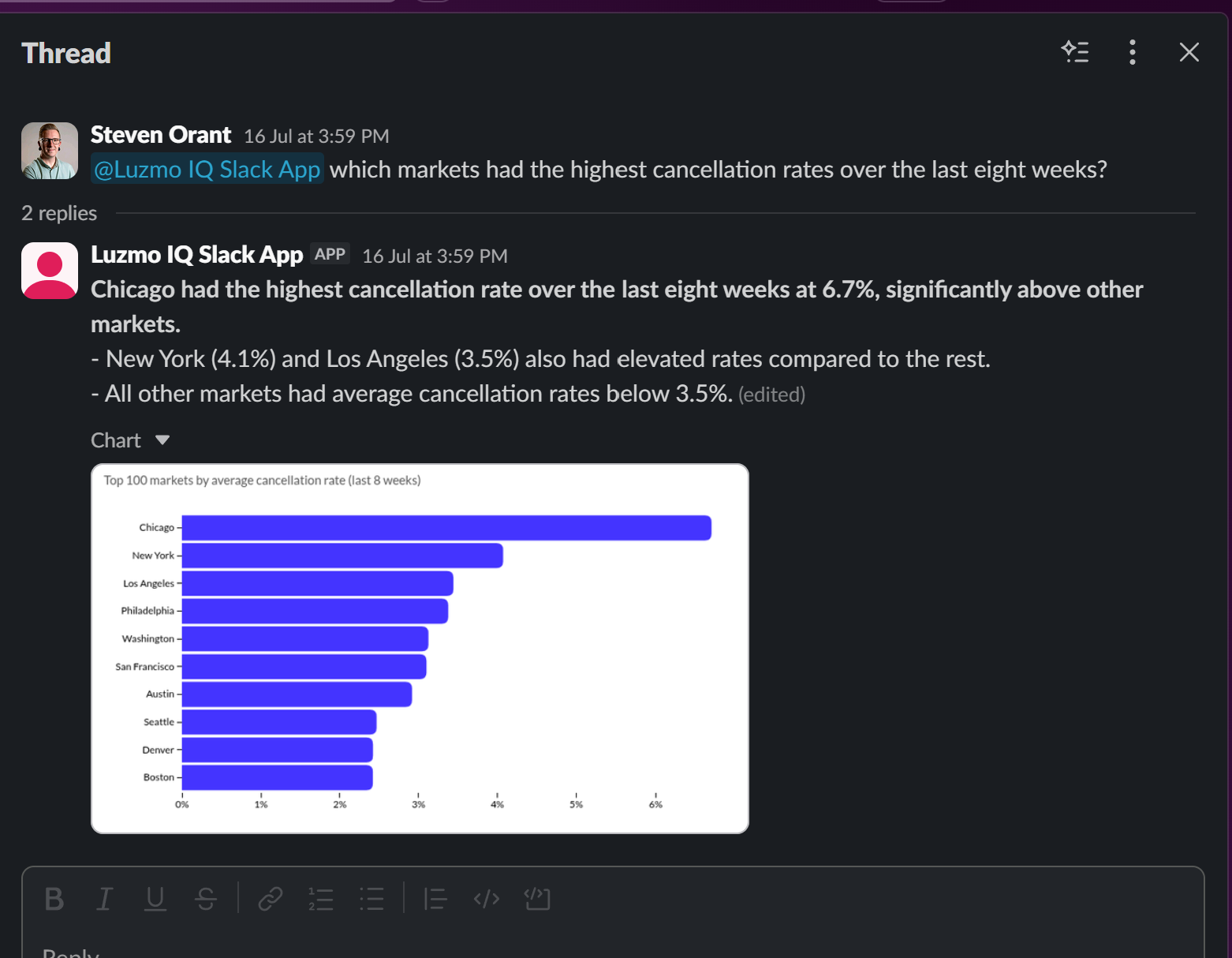
- Upload a chart PNG when Luzmo returns an item asset
Follow-up messages in the same Slack thread continue the Luzmo conversation_id automatically.
Architecture
Slack → message-handler → aiprompt-client → Luzmo /AIPrompt
                       → chart-renderer → Slack
See createAIPrompt.md for the API reference.
Good decisions start with actionable insights.
Take your data products to the next level with Luzmo.