RouteData
Zero-backend embedded analytics workspace for logistics teams, with live KPIs, a drag-and-drop dashboard builder, and natural-language chart generation built on the Luzmo Flex SDK and ACK.
RouteData
A table-first, zero-backend embedded analytics workspace for logistics & supply-chain teams. Every Luzmo API call runs in the browser with a compiled-in long-lived embed token, so the whole app ships as a static bundle. Built with Next.js 16, React 19, and the Luzmo Flex SDK + ACK.
Features
- Live KPI home — KPI cards + Flex visuals (on-time delivery, delay, cost per shipment, throughput, exception rate) queried directly against Luzmo
POST /0.1.0/data. - Source table — pick dataset columns in ACK's
luzmo-data-field-paneland preview a live tabular slice. - Dashboard builder — drag-and-drop
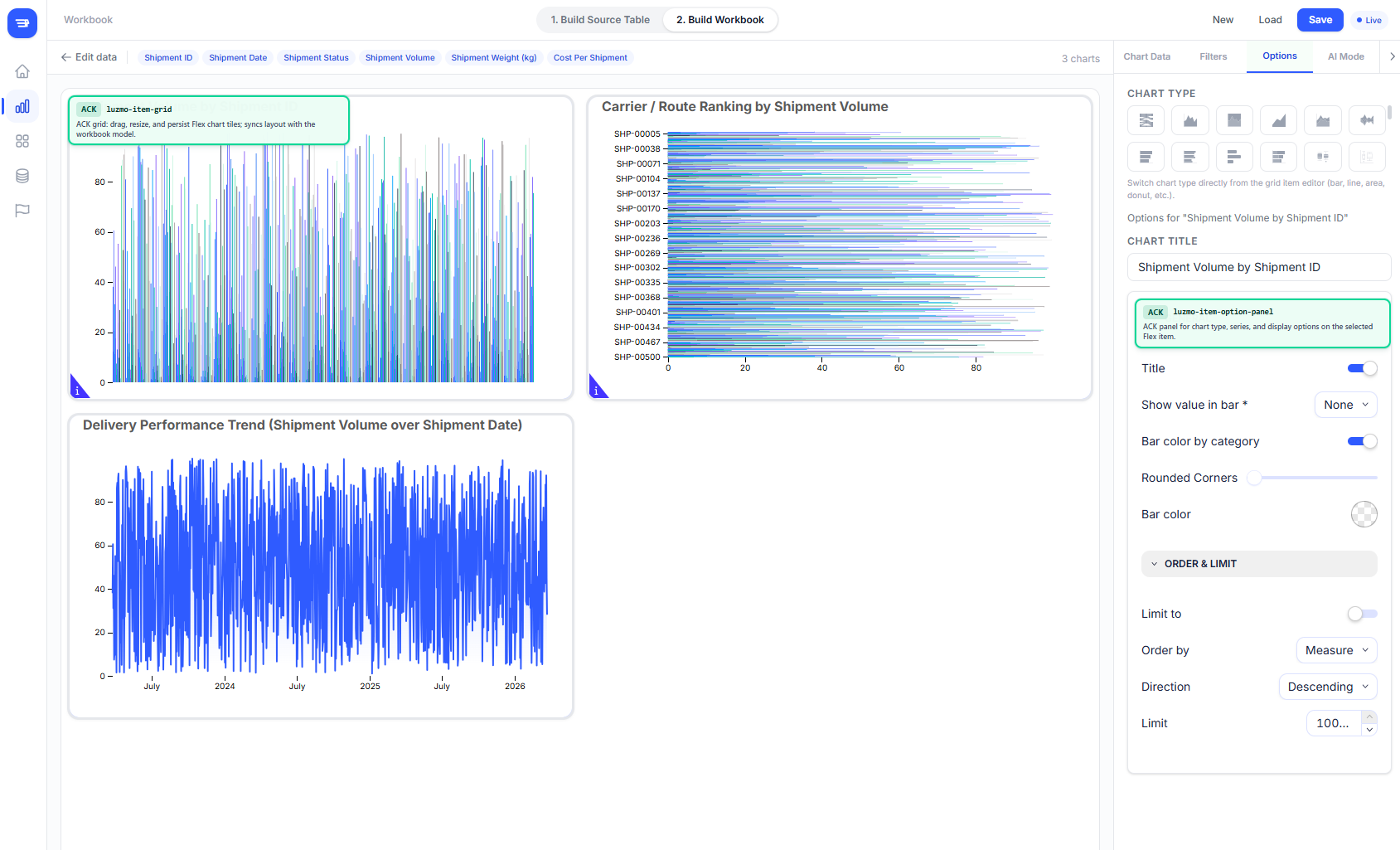
luzmo-item-gridcanvas with ACK slot/option panels and per-tile editing. - Chart suggestions — rule-based Flex chart suggestions plus natural-language chart generation via Luzmo
POST /0.1.0/aichart. - Workbooks — save/load dashboard layouts to
localStorageunderroutedata:workbooks. - Admin views — Targets, Data Sources, and Settings backed by demo config and
POST /0.1.0/securabledataset metadata. - Zero backend — no Node server and no API routes; authenticates entirely from the browser with a single embed key/token.
Tech Stack
| Layer | Technology |
|---|---|
| Frontend | Next.js 16 (App Router, output: 'export'), React 19, TypeScript |
| Styling | Tailwind CSS v4 |
| Charts | @luzmo/react-embed (Flex SDK) |
| Editing | @luzmo/analytics-components-kit (ACK) |
| Types & primitives | @luzmo/dashboard-contents-types, @luzmo/lucero |
Getting Started
Copy
.env.exampleto.env.localand fill in your embed credentials:ROUTEDATA_LUZMO_EMBED_KEY=your-embed-key ROUTEDATA_LUZMO_EMBED_TOKEN=your-embed-token ROUTEDATA_LUZMO_EMBED_EXPIRY=iso-timestamp ROUTEDATA_LUZMO_DATASET_ID=your-dataset-uuid ROUTEDATA_LUZMO_API_HOST=https://api.luzmo.com ROUTEDATA_LUZMO_APP_SERVER=https://app.luzmo.comBecause this is a static export with no backend, these are inlined into the client bundle at build time (mapped in via the
envfield innext.config.ts) — so they still reach the browser. That is expected for an embed key/token; the Luzmo API key/token must never be placed in these vars.Install and start:
npm install
npm run dev
The dev server starts at http://localhost:3000.
Build
npm run build # emits ./out/ — deploy to any static host
Good decisions start with actionable insights.
Take your data products to the next level with Luzmo.